Overview
In modern IP networks—especially those supporting CCTV, VoIP, industrial automation, and building systems—network stability is just as important as bandwidth. One common but often underestimated threat is the network storm.
A network storm can quickly degrade performance, disrupt critical services, and even bring an entire network to a halt. Understanding what a network storm is, why it happens, and how to prevent it is essential for system integrators, IT managers, and network designers.
What Is a Network Storm?
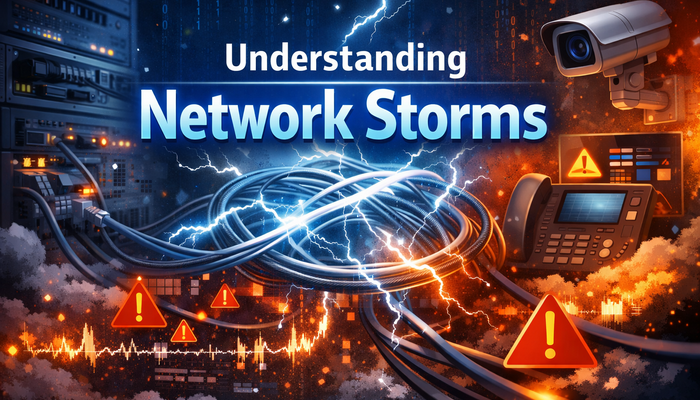
A network storm (also called a broadcast storm) occurs when a large volume of unnecessary or duplicate network packets floods the network in a very short time.
These packets consume available bandwidth and processing resources, preventing normal data traffic from being delivered. In severe cases, devices such as switches, cameras, IP phones, or controllers may become unresponsive.
Network storms typically involve:
● Broadcast traffic
● Multicast traffic
● Loop-generated unicast traffic
Once triggered, the traffic can multiply exponentially, overwhelming the network within seconds.
Common Causes of Network Storms
The most common cause of a network storm is an unintended network loop. This happens when:
● Switches are connected in a loop without proper loop prevention
● Redundant links are added without Spanning Tree Protocol (STP)
A single broadcast frame can circulate endlessly, being forwarded repeatedly by switches.
Unmanaged or poorly configured switches may:
● Lack loop detection
● Forward broadcast traffic without limits
● Fail to isolate faulty ports
This is especially risky in large CCTV or access control deployments.
Malfunctioning devices such as:
● IP cameras
● Industrial controllers
● Network adapters
may continuously send abnormal packets. In rare cases, malware or misconfigured firmware can also generate excessive traffic.
Protocols like ARP and DHCP rely on broadcast traffic. When the network grows without segmentation, broadcast packets increase dramatically and may trigger a storm.
Adding new devices or extending networks over long distances—without redesigning topology—can introduce loops, mismatched settings, or unstable links.
The Dangers of a Network Storm
A network storm is not just a performance issue—it can cause serious operational risks.
Excessive traffic can fully occupy available bandwidth, making normal communication impossible.
Switches, IP cameras, and VoIP phones may freeze or restart due to CPU or memory overload.
In security and industrial environments, a network storm may cause:
● Video loss in CCTV systems
● Failed emergency intercom calls
● Unreachable access control systems
Network storms often spread rapidly and affect multiple segments, making root-cause analysis time-consuming and costly.
How to Prevent Network Storms
A well-planned topology is the first defense:
● Avoid unnecessary Layer 2 loops
● Use star or tree topologies where possible
● Document network connections clearly
Use industry-standard technologies such as:
● Spanning Tree Protocol (STP / RSTP)
● Loop Detection on access switches
These mechanisms automatically block redundant paths before a storm can form.
Network segmentation reduces broadcast domains:
● Use VLANs to isolate devices
● Separate CCTV, VoIP, and data traffic
This limits the impact of broadcast traffic and prevents storms from spreading.
Managed switches allow administrators to:
● Set broadcast storm control thresholds
● Limit multicast traffic per port
Once thresholds are exceeded, traffic is automatically restricted.
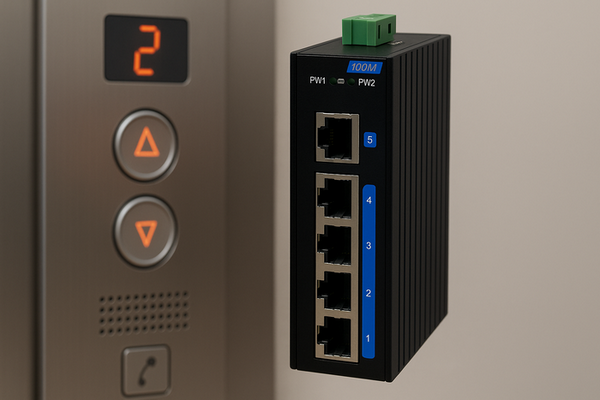
In harsh or mission-critical environments, industrial-grade devices provide:
● Stable packet forwarding
● Better immunity to electrical noise
● Predictable behavior under load
This significantly reduces the risk of abnormal traffic generation.
Continuous monitoring helps detect early warning signs:
● Sudden spikes in broadcast traffic
● Abnormal port utilization
● Repeated MAC address flapping
Early intervention can prevent a full-scale network storm.
Network Storm Prevention in Extended Ethernet Networks
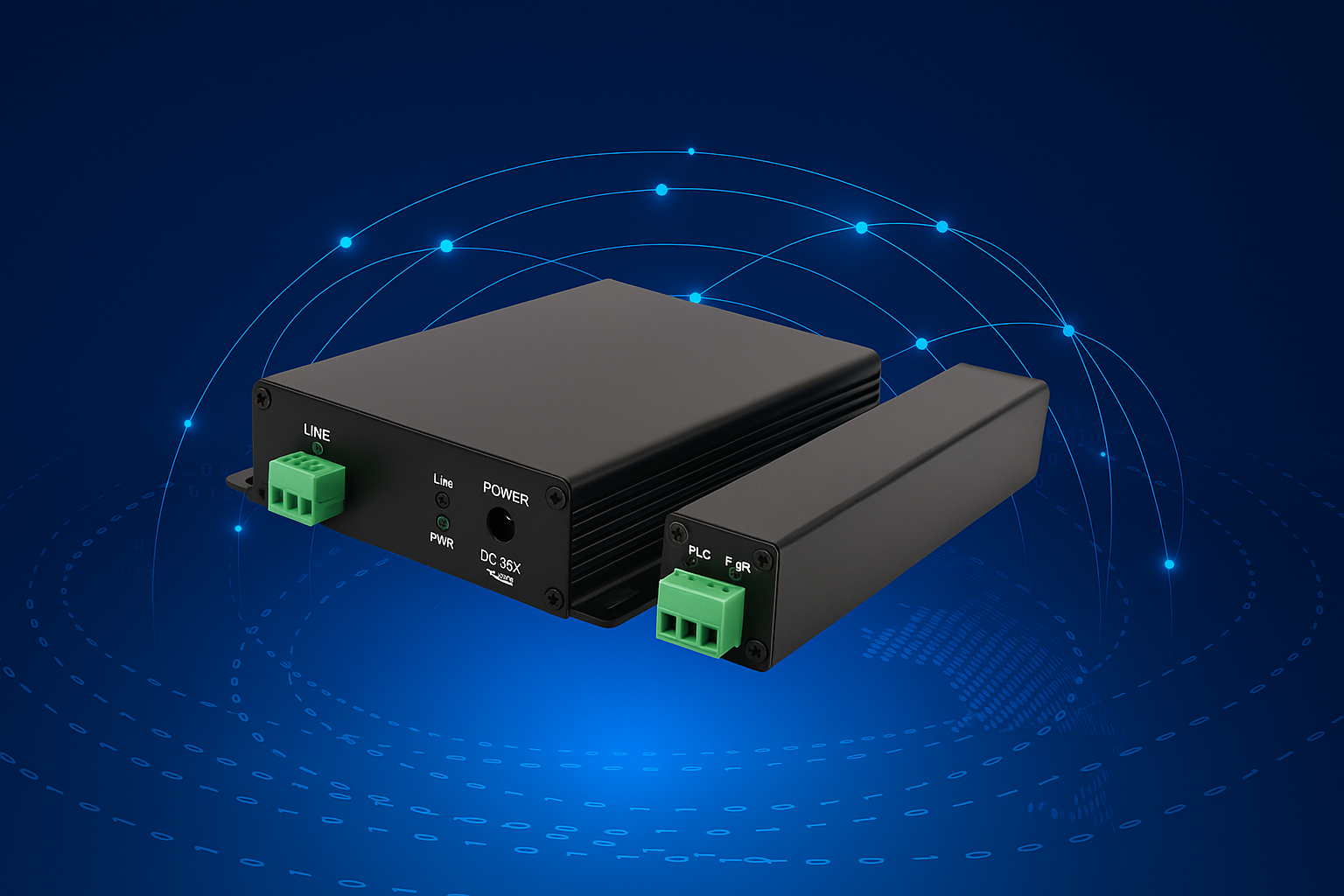
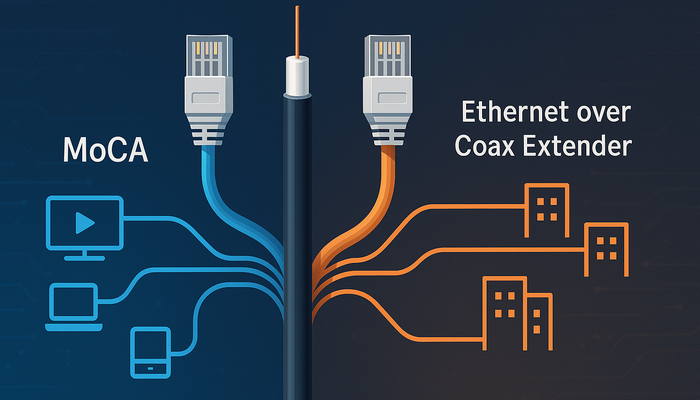
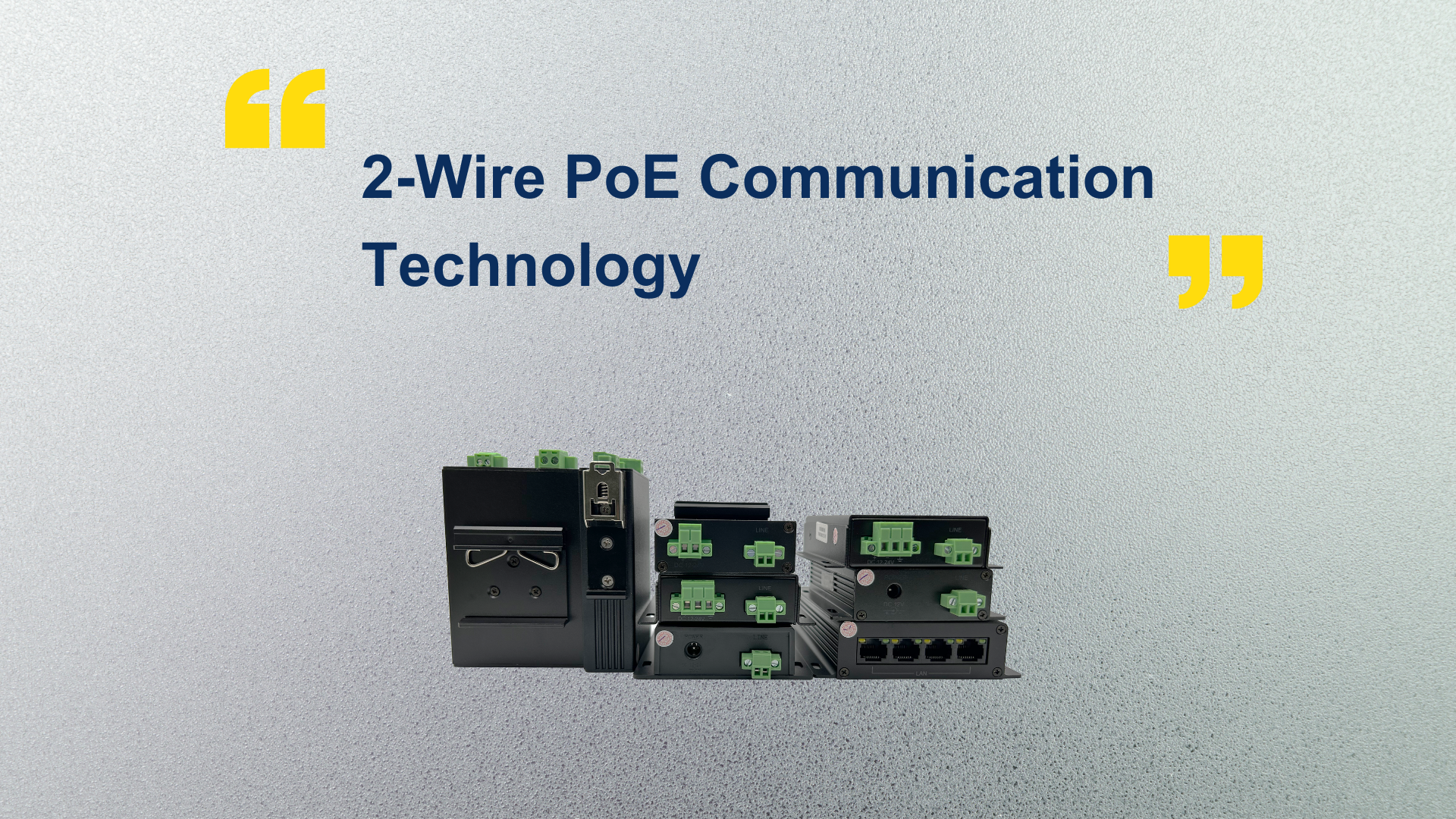
When extending Ethernet over long distances—such as using existing 2-wire or coaxial cables—special attention is required:
● Ensure point-to-point or clearly defined topologies
● Avoid accidental daisy-chain loops
● Use extenders designed for stable Layer 2 transmission
A well-designed Ethernet extension solution maintains predictable traffic behavior and minimizes storm risks.
Conclusion
A network storm is a serious but preventable threat. Most storms are caused not by hardware failure, but by design flaws, configuration errors, or uncontrolled network expansion.
By applying proper topology design, loop prevention, traffic control, and professional-grade network equipment, organizations can ensure stable, secure, and scalable IP networks.
Understanding and preventing network storms is a key step toward building reliable infrastructures for CCTV, VoIP, industrial automation, and modern building systems.