In network communication, topology is typically point-to-point or mesh.
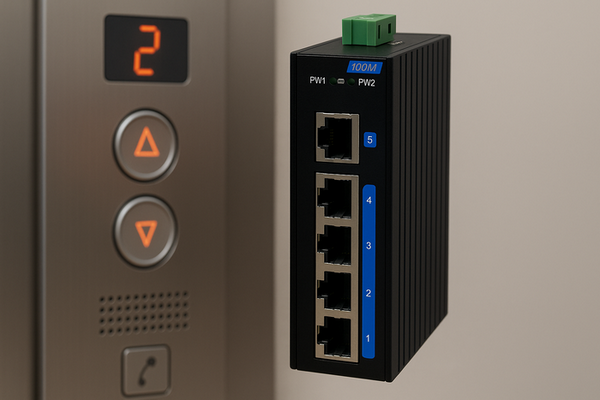
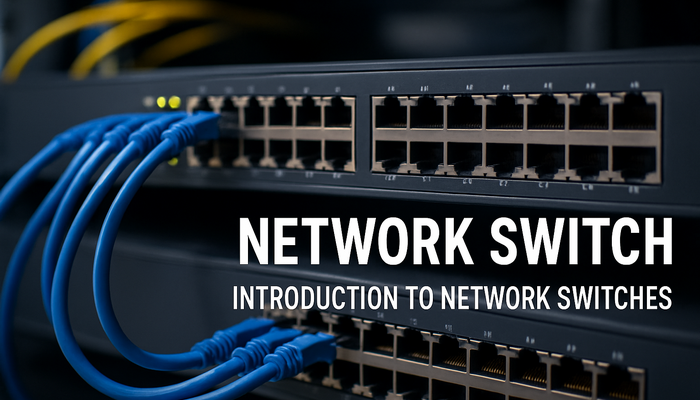
In a local area network (LAN), network switches act as the connection hubs that link different nodes together.
A typical network must have a main station and secondary stations.
The network structure is not closed.
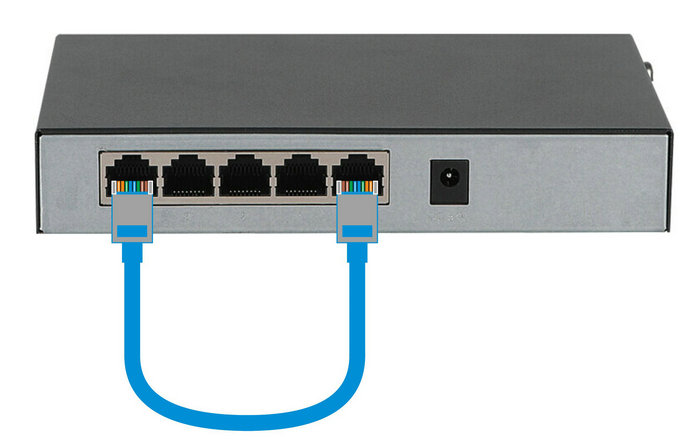
If a single Ethernet cable or a pair of optical fibers is used to connect two ports of the same switch, the switch will form a loop.
If the two ports are in the same VLAN and no protection configuration is enabled, this will cause a network storm.
A minor network storm will significantly reduce communication speed.
A severe one can cause the entire LAN to collapse.
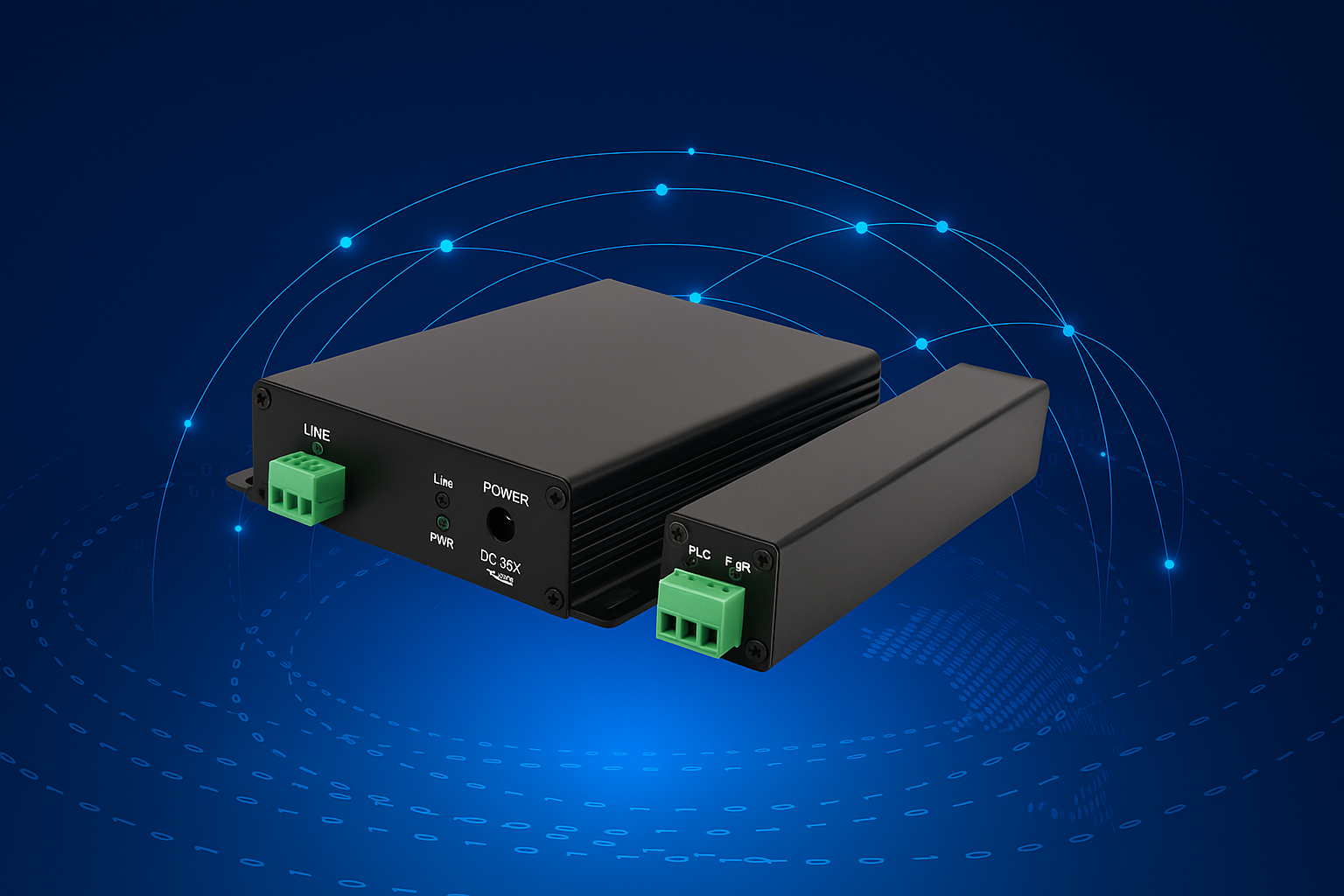
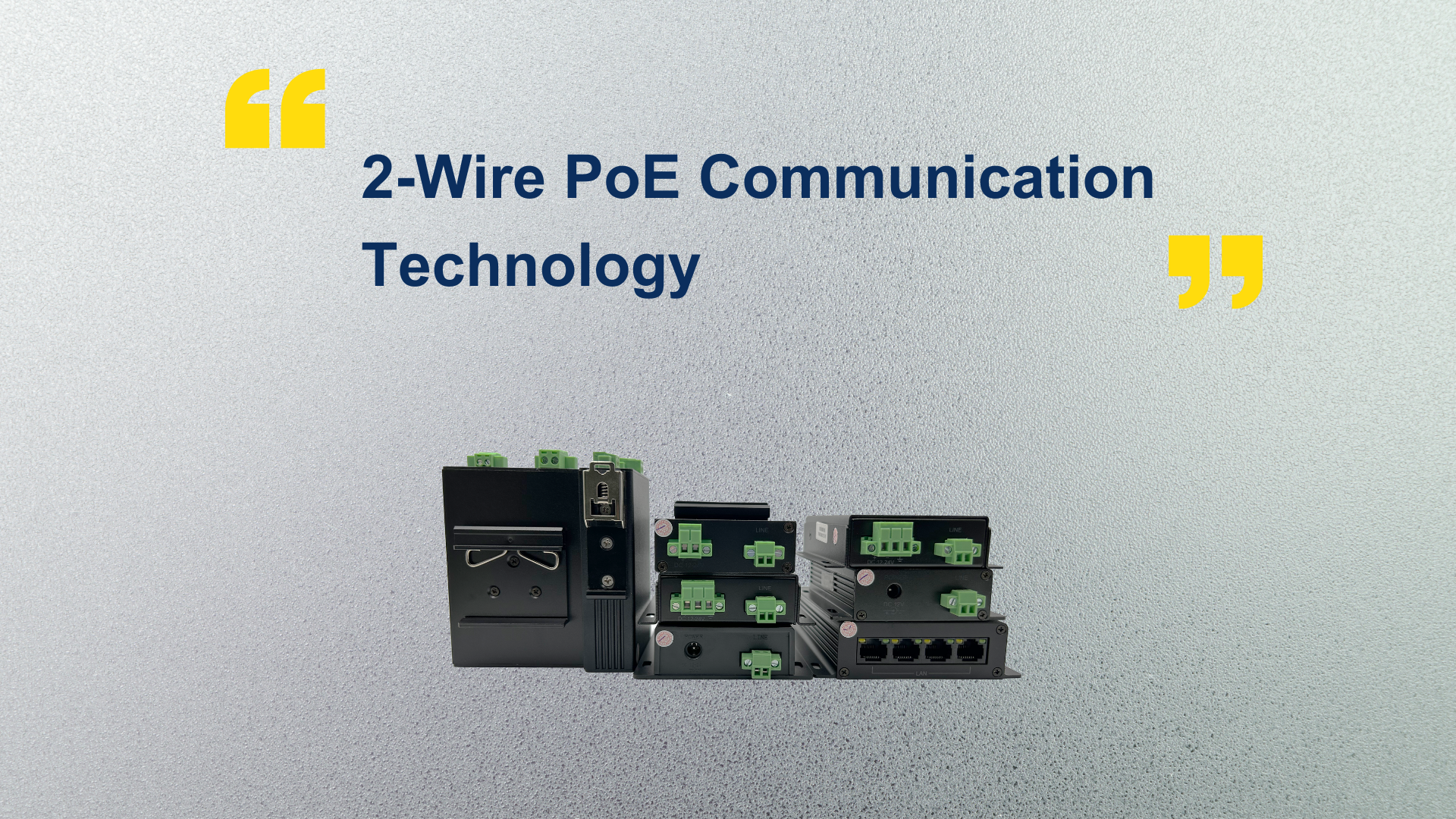
Ourten’s 4-ch Ethernet Extender has a built-in switch chip.
It can transmit four network signals simultaneously over a single 2-wire cable.
It is typically used together with a Ethernet Extender.
A 100 Mbps transmission rate is sufficient to support four devices, such as IP cameras, IP visual intercoms, and LCD displays.
What if the receiver is also a 4-ch Ethernet Extender?
In this case, you must ensure that the downstream cables are not connected to the same switch.
If they connect to the same switch, it is equivalent to creating a loop inside the ethernet switch, which will cause a network storm.
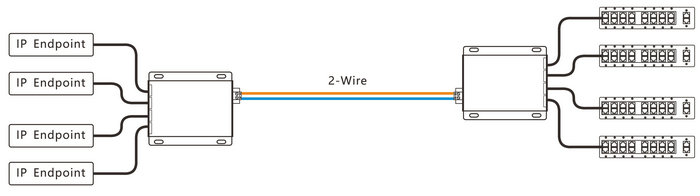
As shown in the diagram below:
To properly select a Ethernet Extender, please follow these guidelines:
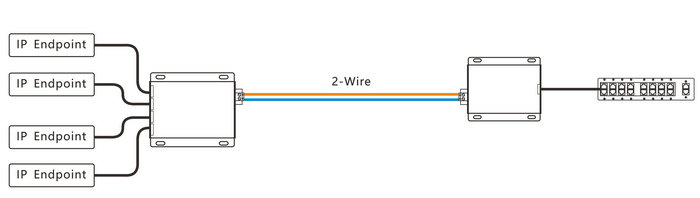
1.When there are multiple front-end devices but limited transmission cables, and the terminal connects to a single switch, choose a 4-ch Ethernet Extender + 1-ch Ethernet Extender. (As shown below)
2.When there are multiple front-end devices but limited transmission cables, and the terminal connects to different network devices, you may choose a 4-ch Ethernet Extender + 4-ch Ethernet Extender. (As shown below)